
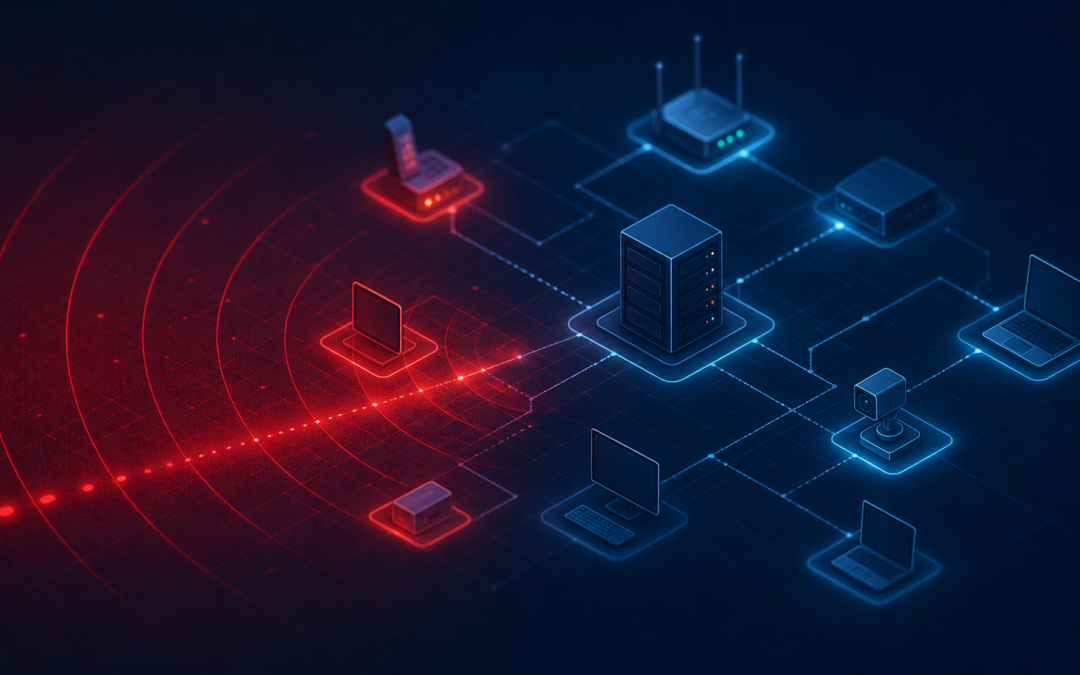
Your business network may be revealing more to hackers in five minutes than you realize. If you own or manage a small business, you probably think about cybersecurity in practical terms: keeping email safe, protecting customer information, avoiding downtime, and making sure no one drains your bank account or locks your files. But hackers often begin much earlier than that. Before they try to break in, they look around. They scan. They search for open doors, outdated systems, weak passwords, exposed devices, and signs that a business may be easy to target. Think of it like someone walking down a street at night, checking which doors are unlocked, which windows are open, and which buildings have no lights on. They may not know what is inside yet, but they can quickly decide which places look easiest to enter. That is what network scanning does in the digital world. For small businesses, this matters because many attacks are not personal at first. Hackers do not always start by choosing one specific company. They often scan large numbers of businesses automatically, looking for weak spots. If your network responds in the wrong way, you may move from “unknown” to “interesting” very quickly.
What a Network Scan Really Is A network scan is a way of asking your systems, “What is out there, and what is available?” In simple terms, a hacker uses scanning tools to identify devices and services connected to the internet or available inside a network. These tools can show whether your business has computers, servers, printers, cameras, remote access tools, websites, or email systems that may be reachable. Not every scan is malicious. Security professionals also use scanning as part of healthy cybersecurity checks. The difference is intent. A trusted security team scans to find and fix problems. A hacker scans to find and use them. Imagine your business network as a building with many doors. Some are front doors, like your website or email system. Others are service doors, like remote login tools, file sharing systems, or equipment dashboards. Some doors are supposed to be locked. Some should not be visible from the street at all. A scan helps reveal which of those doors can be seen. Hackers may look for things such as:
- Devices connected to the internet
- Software that has not been updated
- Remote access points used by employees or vendors
- Open communication channels that should be closed
- Security cameras, printers, or other office equipment with weak settings
- Cloud services or login pages that are easy to find
To a small business owner, these may not sound like obvious risks. After all, a printer is just a printer. A router is just a router. A remote login page is just a convenience. To a hacker, each one may be a possible way in.
What Hackers Can Learn About Your Business A scan does not always give hackers instant access. But it can give them clues. Those clues help them build a picture of your business technology. The more complete that picture becomes, the easier it may be to plan an attack. Here are some of the things hackers may discover when they scan a business network:
- What systems are visible
- Which tools or services are running
- Whether software versions appear outdated
- Which login pages are exposed
- Whether remote access is available
- Whether devices respond in predictable ways
This is a little like seeing a vehicle parked outside with the make, model, and year clearly visible. That information alone does not let someone drive away with it. But if that model is known to have a faulty lock, the information becomes more useful to the wrong person. The same is true for business technology. If a scanner sees an old system that is known to have security weaknesses, that system may become a target. If it finds a login page with no extra verification, attackers may attempt password guessing. If it finds equipment that still uses default settings, they may try commonly known credentials. Small businesses are often surprised by how much is visible from the outside. Common examples include:
- A remote desktop tool left open for convenience
- An old firewall or router that has not been updated
- A website plugin that is several versions behind
- A security camera system reachable from the internet
- A forgotten device from a past vendor installation
- A cloud account login page with weak password practices
None of these issues means a business is careless. In many cases, they happen because small businesses are busy. Systems get added over time. Employees need remote access. Vendors install tools. Equipment gets replaced, but old settings remain. The problem is that hackers do not care why the gap exists. They only care that it exists.
Why Small Businesses Are Attractive Targets Many small business owners assume hackers only care about large companies. That is an understandable belief, but it is not how many modern attacks work. Large companies may have bigger rewards, but they also tend to have bigger security budgets, larger IT teams, and more monitoring. Small businesses often have valuable data and weaker defenses. That combination is attractive. A small business may have:
- Customer names, emails, addresses, and payment details
- Employee tax and payroll information
- Vendor payment records
- Business bank access
- Confidential proposals, contracts, or designs
- Systems that customers depend on every day
Even if your business does not store highly sensitive information, downtime alone can be expensive. If your computers are locked, your email is compromised, or your scheduling system is unavailable, daily operations can grind to a halt. There is also a trust cost. Customers may forgive a short technical issue. They may be less forgiving if they believe their personal information was not protected. Hackers scan small businesses because scanning is efficient. It allows them to sort through many potential targets and focus on the ones that appear easiest to attack. Picture a row of storefronts. One has strong locks, cameras, bright lighting, and clear signs of active monitoring. Another has a side door propped open and no one watching. A criminal looking for an easy opportunity will usually choose the weaker target. Cybersecurity works the same way. You do not have to be impossible to attack. No business can promise that. But you can make your business much harder to choose. That starts with knowing what is visible.
How a Risk Assessment Helps You See What Hackers See The most practical first step is a cybersecurity risk assessment. A risk assessment helps identify the doors, windows, and weak spots in your business network before someone else finds them. It gives you a clearer view of what is exposed, what needs attention, and what should be prioritized. For a small business, this is important because not every risk is equal. Some issues are urgent. Others can be planned into future improvements. A good assessment helps separate the “fix this now” items from the “keep an eye on this” items. A risk assessment may help answer questions like:
- What parts of our network can be seen from the internet?
- Are any systems outdated or unsupported?
- Do employees have secure remote access?
- Are passwords and account protections strong enough?
- Are security tools properly configured?
- Do we have gaps in backup, monitoring, or response planning?
This is not about creating fear. It is about creating clarity. Many business owners feel overwhelmed by cybersecurity because it sounds technical, expensive, and endless. A risk assessment makes it more manageable. Instead of guessing, you get a practical roadmap. That roadmap may include simple steps such as closing unused access points, updating devices, improving password rules, adding stronger login protections, replacing outdated equipment, or monitoring suspicious activity more closely. It may also reveal that your business needs a more complete protection package. That is where NT Cyber Shield from Newby Technologies can help. NT Cyber Shield is designed for small businesses that need strong protection without unnecessary complexity. It combines smart automation, proven security tools, and industry-standard hardware and software into a package built around real business needs. The goal is not to bury you in technical reports. The goal is to help you understand your risk, strengthen your defenses, and keep your business moving with more confidence. If hackers scanned your business network today, what would they see? You do not have to wonder. Learn more about NT Cyber Shield and take the first step toward a clearer, safer view of your business technology. Schedule a consultation with Newby Technologies to request a cybersecurity assessment and find out where your network may be exposed before attackers do.